Skip to content
EventsHub by TrackBite

Event registration software that runs the whole conference

EventsHub is event registration and conference management software from TrackBite. Organisers in India use it to build registration forms, sell tickets, collect payments with GST invoices, print badges, check people in by QR code, run networking and the agenda, and follow every number live, all in one place.

  • GST invoices built in
  • Razorpay, PayPal and CCAvenue
  • Email and WhatsApp reminders

How an event runs on EventsHub

One attendee, from the registration form to the conversation after the keynote. Six steps, one system.

  1. Add fields, ticket types and conditional questions, then publish a link or embed the form on your own website.

  2. Attendees pick a ticket, apply a coupon and pay online through Razorpay, PayPal or CCAvenue.

  3. A confirmation email goes out with the e-badge attached, and a numbered GST invoice is created automatically.

  4. Design the badge once, then print at the registration desk, over a wireless print queue or at a self-service kiosk.

  5. Scan the QR code on the badge at the door. Every scan counts toward live, day-wise check-in totals.

  6. Attendees book meetings and chat with each other while organisers watch registrations, revenue and check-ins live.

What does EventsHub include?

Everything a conference needs, in four connected parts, so an attendee is entered once and recognised everywhere.

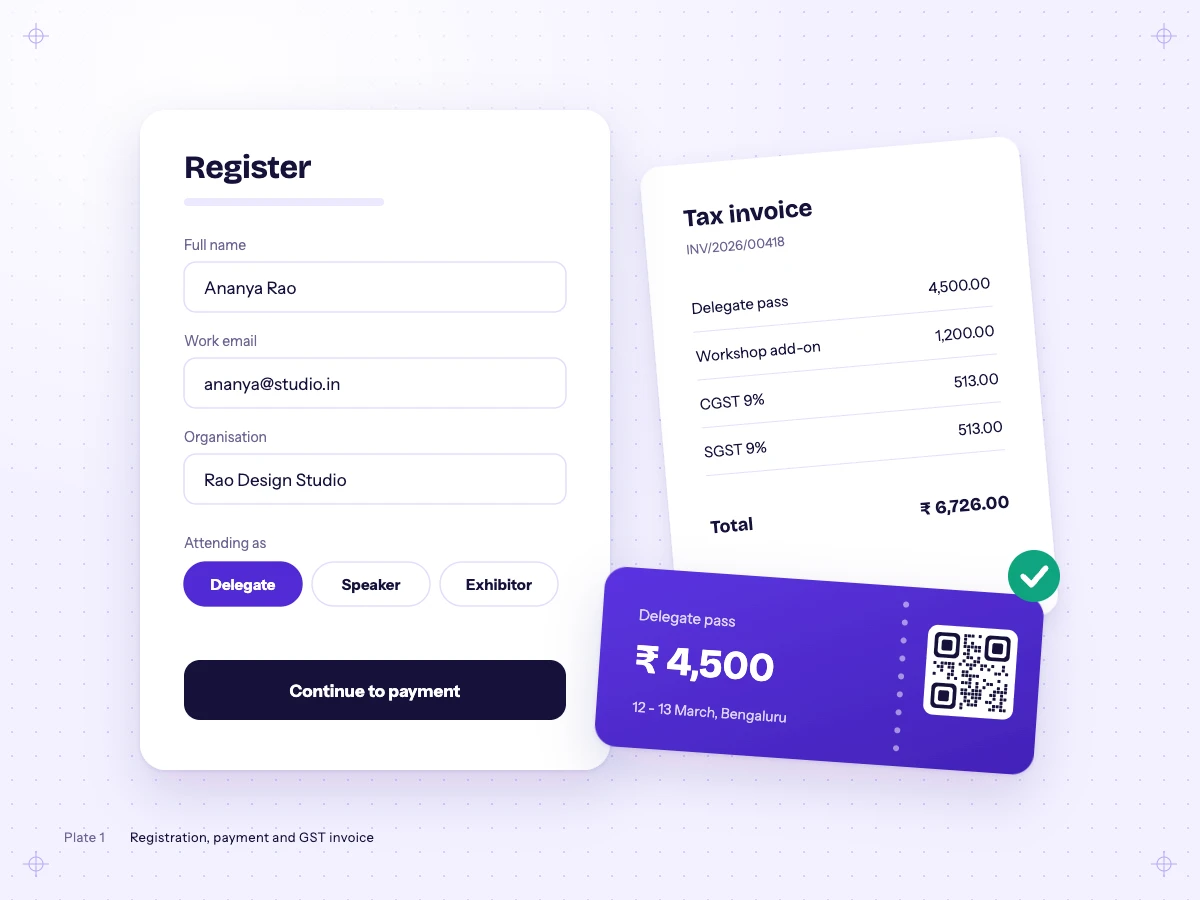
A registration form with attendee type choices, a delegate pass ticket and a GST tax invoice showing CGST and SGST.

Registration and payments

Everything between someone hearing about your event and holding a paid ticket.

  • Form builder. Drag-and-drop fields, conditional questions and separate forms for delegates, speakers and exhibitors.
  • Tickets and pricing. Ticket types with date-based pricing, per-form ticket choice, group registrations and 8 ticket card designs.
  • Coupons. Percentage, flat-amount and group discount codes.
  • Online payments. Razorpay, PayPal and CCAvenue, with payment status tracked on every registration.
  • GST invoices. CGST, SGST and IGST worked out for you, custom invoice numbering, and PDF or Word downloads.
  • Controlled access. Registration links capped at a set number of people, document uploads and hotel room booking.
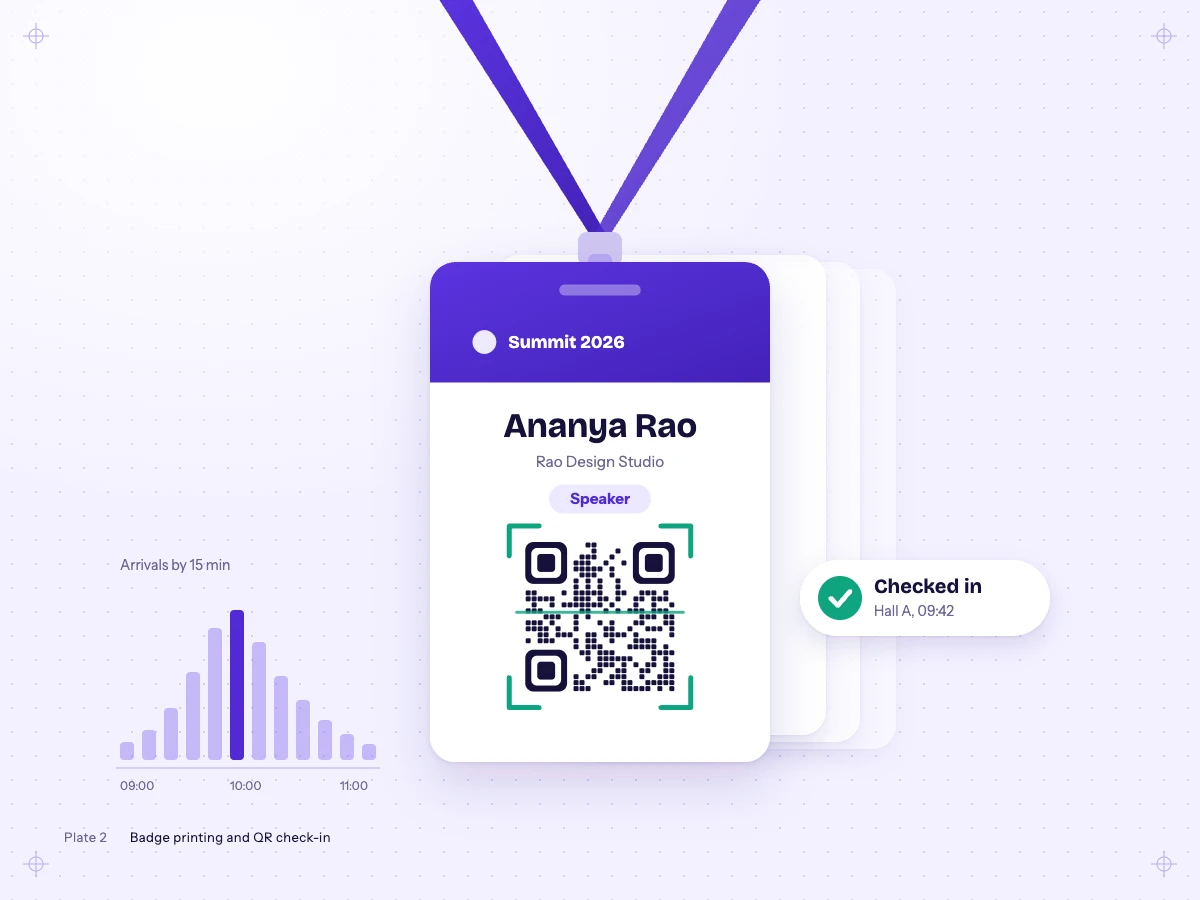
A speaker badge on a lanyard with its QR code framed by a scanner and a Checked in confirmation.

Badges and check-in

The event day: printing, scanning and knowing who is in the room.

  • Badge designer. Lay out names, roles, photos, QR codes and barcodes, with text that resizes to fit.
  • Printing your way. Print at the desk, send jobs to wireless printers across the venue, or let attendees print at a self-service kiosk.
  • QR check-in. Scan badges with a phone or scanner and see check-ins by day and by hall.
  • Exhibitor lead capture. Exhibitors scan visitor badges and export their leads by email or download.
  • Digital business cards. Every badge QR opens the attendee's contact card.
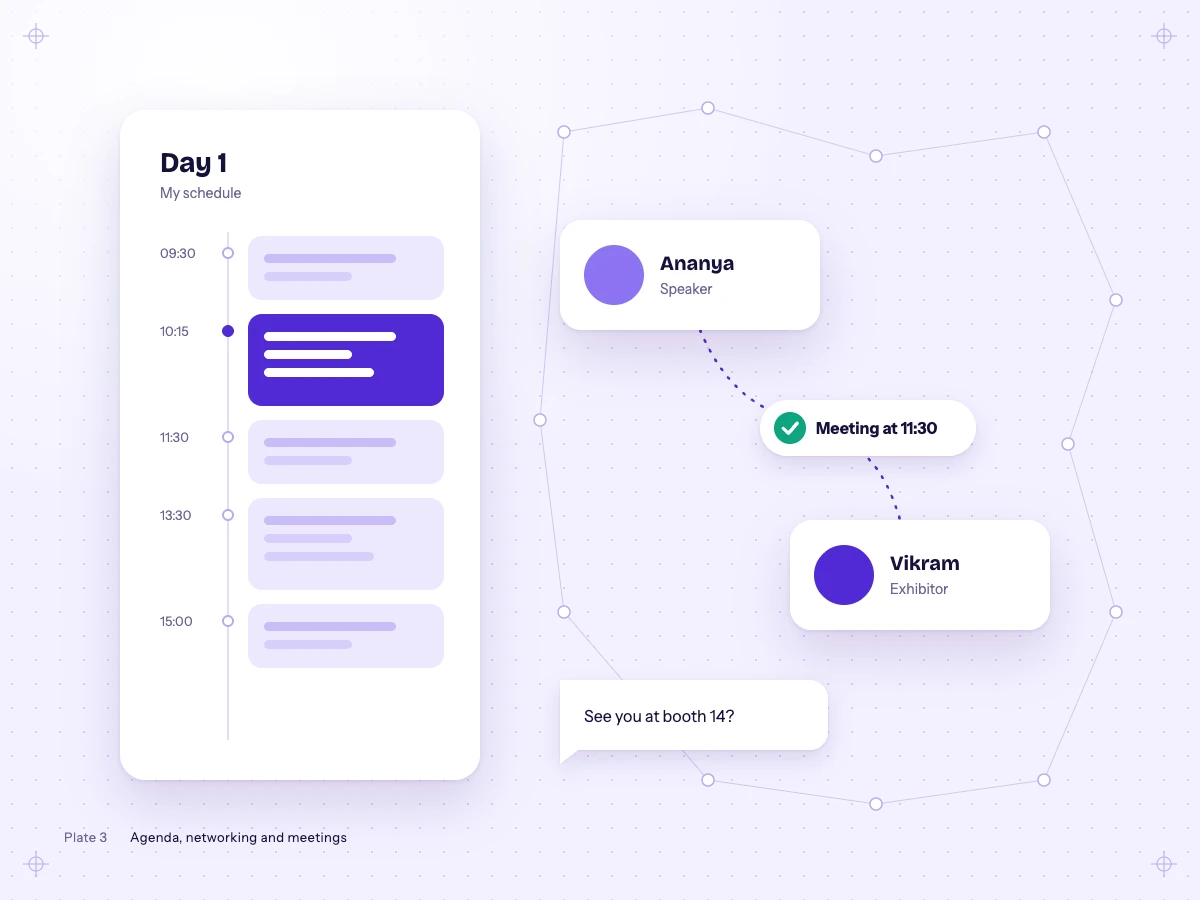
A day agenda with a saved session beside two attendee cards joined by a confirmed 11:30 meeting.

Networking and agenda

What keeps attendees busy and talking before, during and after the event.

  • Networking. Attendee matchmaking, meeting requests with reminders, and real-time chat between connections.
  • Agenda builder. A public, embeddable agenda plus a personal schedule for each attendee.
  • Call for papers. Collect submissions and run the review process in the same system.
  • Event website. Publish an event site from 17 layouts and 13 themes, no developer needed.
  • Sponsors and app. A sponsor wall, leaderboards, and an installable app with push notifications.
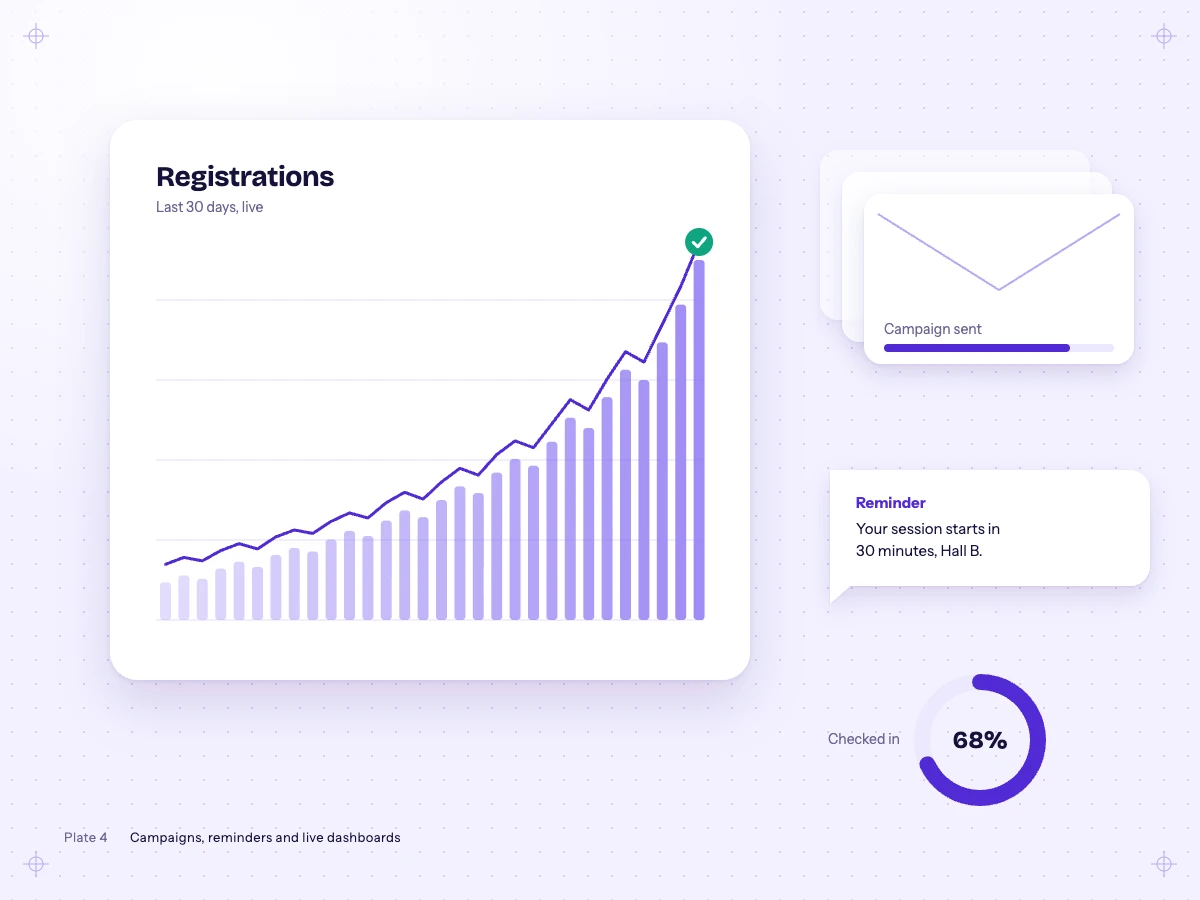
A rising registrations chart, an email campaign being sent, a session reminder message and a check-in ring.

Email, reminders and dashboards

Reaching people at the right moment, and seeing how the event is going.

  • Email campaigns. Bulk emails with personalised fields and attachments, sent at a steady, trackable pace.
  • Reminders. Automatic pre-event reminders by email and WhatsApp.
  • Social campaigns. Trackable links for each social media platform you promote on.
  • Live dashboard. Registrations, revenue, badges and check-ins, refreshing on their own, with a read-only link you can share.
  • Atlas assistant. Ask questions about your event data in plain language and get the answer back.

Made for conferences and expos in India

GST without spreadsheets
Invoices carry the right CGST, SGST or IGST split under India's Goods and Services Tax, your own numbering series and your seller details, ready as PDF or Word.
The gateways your finance team already uses
Razorpay, CCAvenue and PayPal, with amounts kept exact to the paisa from checkout to invoice.
Reminders where people read them
Pre-event reminders go out by email, WhatsApp or both, on the schedule you set.

Questions organisers ask

Can't find yours? Ask it in the demo request below.

What is EventsHub?

EventsHub is event registration and conference management software from TrackBite. Organisers in India use it to build registration forms, sell tickets, collect payments with GST invoices, print badges, check people in by QR code, run networking and the agenda, and follow every number live, all in one place.

Who is EventsHub for?

Conference and expo organisers, industry associations and corporate event teams, especially in India, who want registration, payments, badges, check-in and attendee engagement in one system instead of several.

How much does EventsHub cost?

EventsHub gives you a high-quality, reliable event platform at affordable pricing. Share your event's details through the demo request on this page and the TrackBite team will send a quote for your event.

Does EventsHub create GST invoices?

Yes. EventsHub creates GST invoices with the CGST, SGST and IGST split worked out, supports your own invoice numbering, and can produce invoices one at a time or in bulk as PDF or Word files.

Which payment gateways does EventsHub support?

EventsHub takes online payments through Razorpay, PayPal and CCAvenue, and records the payment status against each registration.

Can we print badges at the venue?

Yes. You design the badge once and print it at the registration desk, over wireless print queues spread across the venue, or at self-service kiosks where attendees print their own.

Does it work on phones?

Yes. Registration forms, agendas and networking work in any mobile browser, attendees can install EventsHub as an app, and check-in scanning works with a phone camera.

Can I put the registration form on my own website?

Yes. Registration forms and the agenda can be embedded on your website, and EventsHub can also publish a complete event website for you.

How do I get started?

Request a demo using the form on this page and the TrackBite team will contact you. Existing customers can sign in to their account.

See EventsHub with your event

Tell us a little about your event. The TrackBite team will set up a walkthrough using your own registration form, tickets and badge.

Expected attendees

Demo requested

The TrackBite team will contact you shortly.